A dialog, "Select Style" will pop up asking you to select from a list of styles. The first time you run PalMate the list will contain the styles installed with the program and each style is described.
Select the "Normal1" style.
- 1 pgn file - convert all games.
- 1 pgn file - select and convert some games.
- Multiple pgn files to multiple Html files.

There are two important boxes in this dialog:
"Local HTML directory" and
"Local CSS directory"
This is where your final HTML file and stylesheet will be saved. Later - when you select various images - the image links will be written relative to the HTML and CSS directories. It is OK to save the stylesheet in your HTML directory as I have done here.
Click on the folder images to browse for a location.
The other information in the dialog can be regarded as service information. Notice that the html file gets its name from the pgn file name, in this case "normal.htm". The stylesheet to upload is named as the style you selected, "normal1".
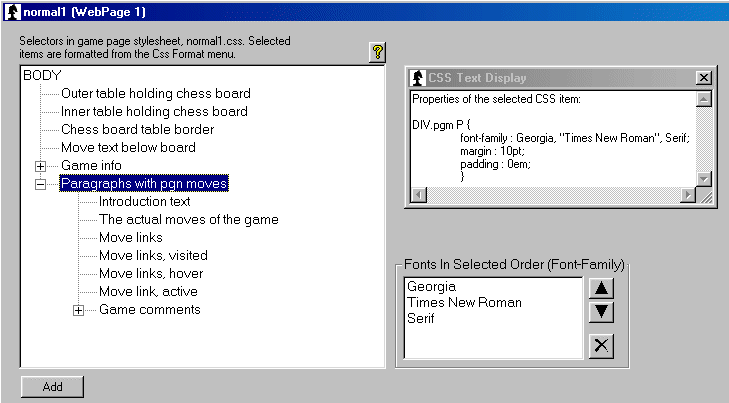
So you need to tell PalMate where the various images are located.
Repeat this with "Chess Pieces" and "Control Panel" in the Layout menu.